Conversion tracking with GA4: A starter checklist
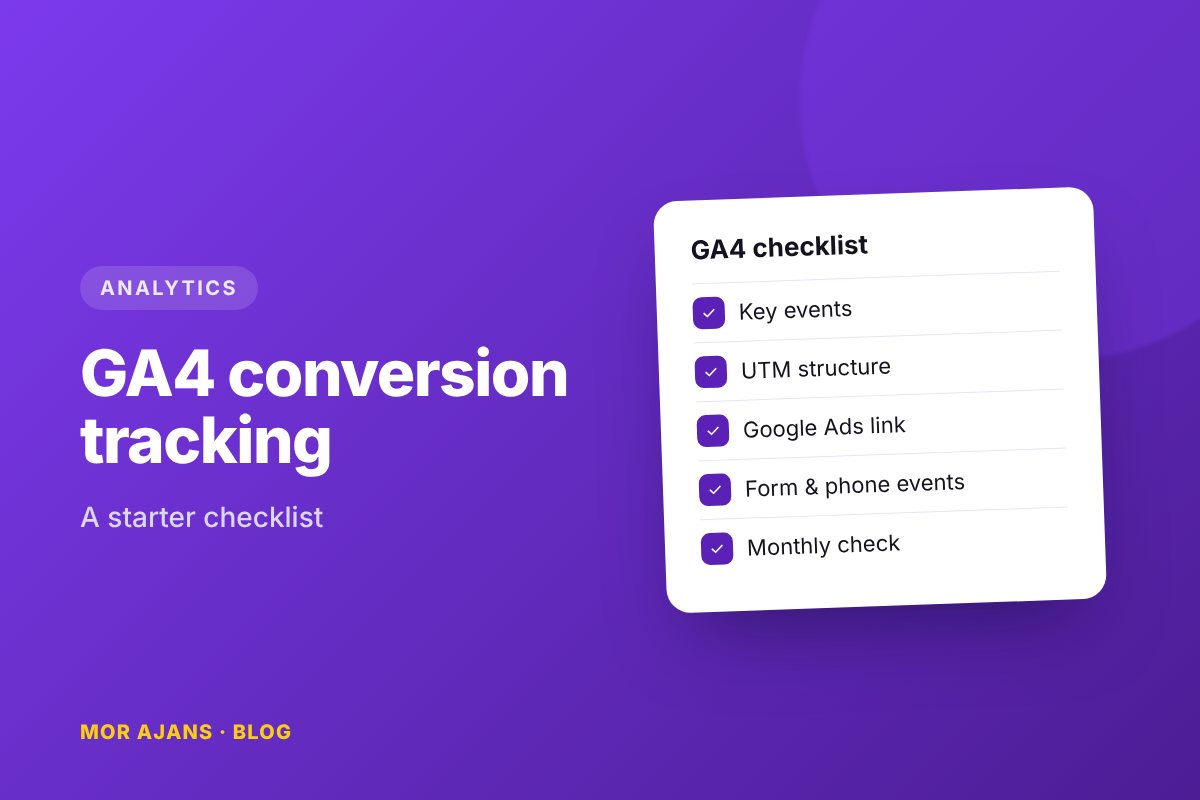
On many websites, GA4 is "installed but not used". The code is on the page and traffic is flowing, but nobody knows which channel actually brings in customers. The list below summarises the standard setup we use to make a website "measurable".
1. Basic setup
- Is the GA4 tag loading on every page, and only once? (Double counting is the most common mistake.)
- If you use Google Tag Manager, does the GA4 configuration tag fire on "All Pages"?
- Have your own office and agency IP addresses been filtered out as internal traffic?
- Is data retention still set to 2 months? Increase it to 14 months.
2. Key events (conversions)
GA4 has no "goals"; it has events, and you mark the important ones as "key events". The minimum list for a service website:
- form_submitted – when the contact form is successfully submitted (triggered by a thank-you page or success message)
- phone_click – a click on a tel: link
- whatsapp_click – a click on a wa.me link
- email_click – a click on a mailto: link
- For e-commerce sites: view_item, add_to_cart, begin_checkout, purchase (with value and currency)
3. UTM discipline
Every link in your ads and social media posts should be tagged. Otherwise, visitors from Instagram show up as "direct", and you end up unfairly shutting down that channel because it "doesn't work". Use a fixed scheme:
utm_source: google, meta, tiktok, linkedin, newsletterutm_medium: cpc, social, email, organic_socialutm_campaign: date + name, e.g. 2026-10-autumn-campaign
Lowercase, no Turkish or other special characters, hyphens instead of spaces. Keep all links in a single spreadsheet.
4. Linking ad accounts
- Is Google Ads linked to GA4, and are key events being imported into Google Ads as conversions?
- Are the Meta Pixel and Conversions API set up, and do the standard events measure the same moment as those in GA4?
- Is Search Console linked? Organic queries then become visible inside GA4.
5. 5 reports to check every month
- Number and cost of key events by channel
- Conversion rate by landing page
- Device breakdown (if the mobile conversion rate is half that of desktop, the page has a problem)
- Conversions by campaign (UTM)
- Site speed and error pages (together with Search Console)
Once this list is complete, the answer to "did the ads work?" is a number, not a guess. If you'd like us to handle the setup for you, our contact form is just a click away.
Free digital health check for your brand
We review your channels and map out concrete next steps.
Get in touch →